Lyris: Layout-Guided Long Video Generation
with Persistent 3D Memory
Abstract
Exploring a scene from as little as a single photo requires generating a long, camera-controlled walkthrough that extends far beyond what was captured, yet remains consistent upon return. Memory-based video generation methods preserve what they have already seen, but have no anchor beyond it, where the camera drifts from its path and a text prompt can name objects but not place them. Layout-conditioned methods provide such an anchor and precise control over what appears where, but rely on layouts that are typically authored by hand. Both limitations arise because, beyond what was captured, nothing anchors the video model unless a human authors one. To overcome both, we propose Lyris, a long video generation framework that never leaves the video model without an anchor: a persistent point-cloud memory where the scene has been observed or generated, and a 3D layout that a vision-language model authors where it has not. Our key insight is that the interface between the two models can be surprisingly coarse. A layout of one labeled 3D box per object is simple enough for a vision-language model to author (and for a user to edit), yet expressive enough for a video model to follow once rendered along the camera path. We demonstrate walkthroughs of over three minutes and 50 meters from a single photo, passing through doorways into rooms it never shows. When evaluated on minute-long round trips across four datasets, Lyris outperforms state-of-the-art methods by a wide margin, reducing camera error by 3.8× and improving consistency upon return by 22% on average.
Method
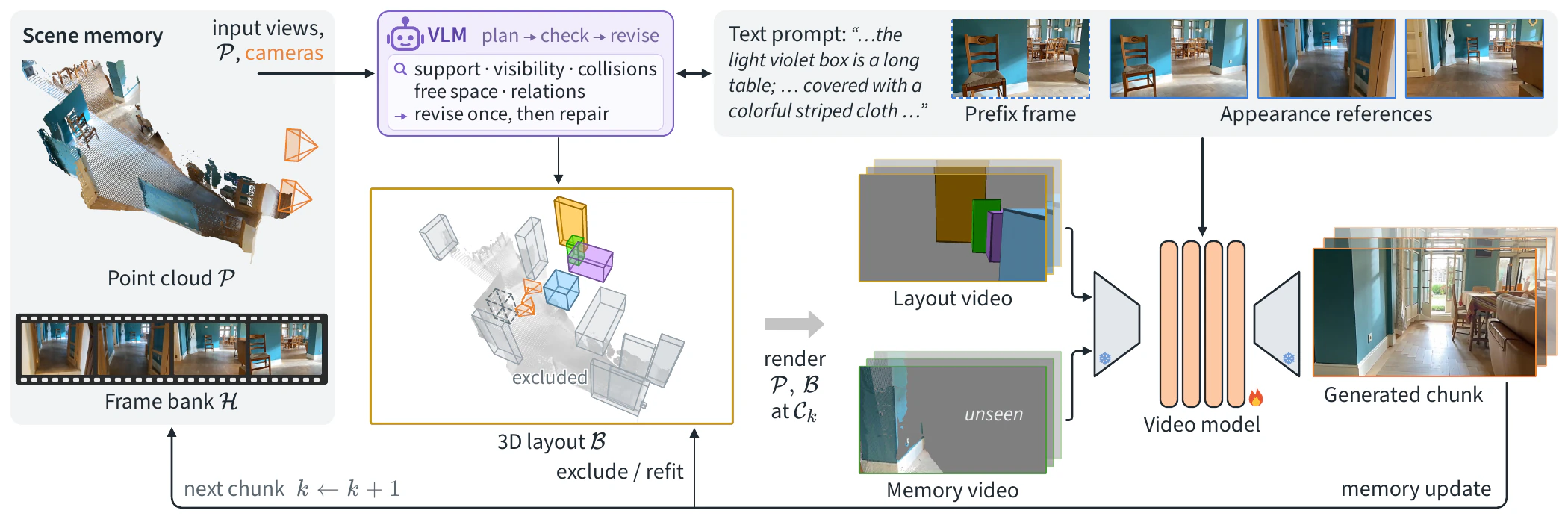
To decide what lies beyond the input views, we use a vision-language model to plan a 3D layout of labeled object boxes before each chunk. We then render this layout and our point-cloud memory at the chunk's cameras to guide the video model. The memory video preserves what has been seen, while the layout video specifies what appears where beyond it and anchors the camera to its path. To remain consistent upon return, we reconstruct each generated chunk and write it into the memory.
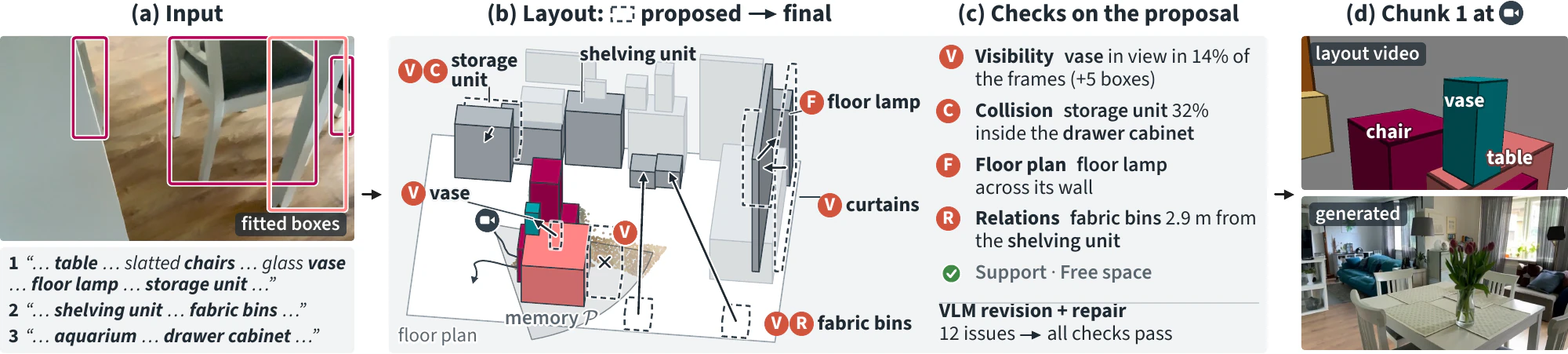
To keep the layout consistent with the observed scene, the vision-language model first fits boxes to the objects visible in the input view (a). It then adds a box for every object that the chunks should reveal, following their descriptions (b). To ensure that the layout is physically plausible and visible along the path, we verify the proposal with geometric checks (c) and revise the boxes they flag from their proposed positions (dashed in b) to their final ones. The video model then generates each object where its box places it, such as the vase, which was moved into view (d).
Layout planning
We visualize how our vision-language model plans the layout of a directed walkthrough. Before each chunk, it receives only the chunk's start frame, cameras, and description, along with the point-cloud memory and the boxes of earlier chunks.
Best viewed full screen in landscape.
Long walkthroughs
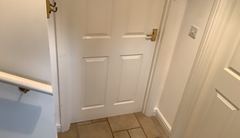
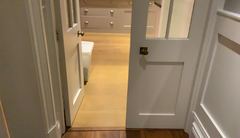
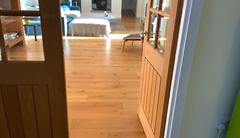
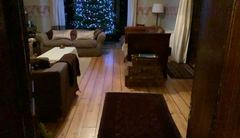
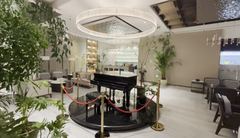
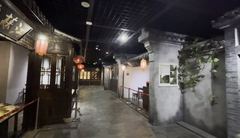
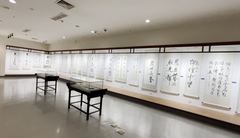
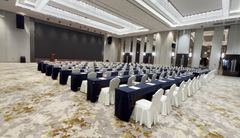
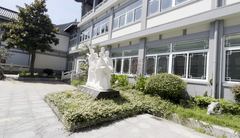
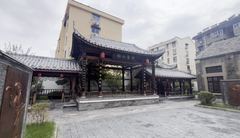
We generate round trips of up to two minutes from a single photo (sped up 5×).


- Camera path
- With 3D memory
Comparison with baselines
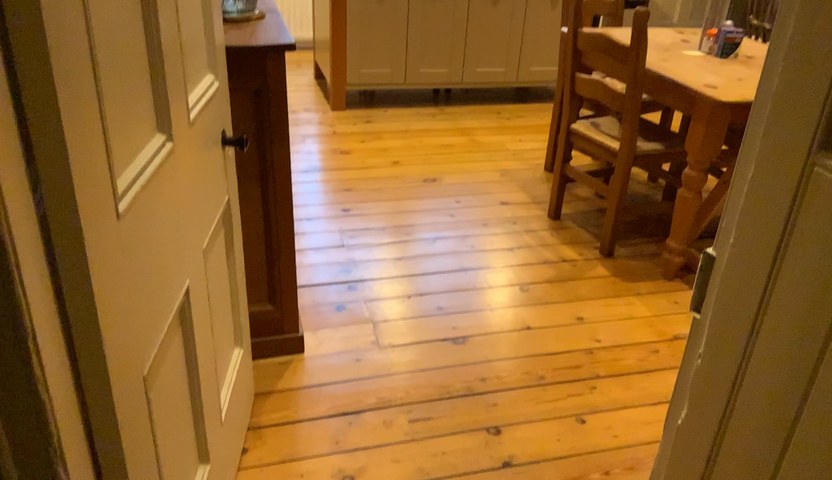
We compare Lyris to prior methods on round trips from ScanNet++ and CA-1M, and plot each method's consistency upon return (top left). The baselines drift from the path once it leaves the start view, whereas Lyris follows it and returns to the content it generated.
Directed
All methods receive the same start frame, cameras, and descriptions of the path.

Autonomous
All methods receive only the start frame, its caption, and the cameras, and our planner decides what lies ahead.
Best viewed full screen in landscape.
Consistency upon return
We play each method's way back in reverse next to its way out, so that both show the same camera.
Autonomous
Directed
Baseline
Best viewed full screen in landscape.
Layout editing
Pre-generation edits
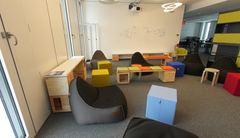
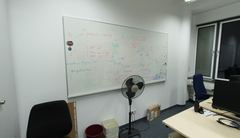
As each box is tied to a single object, a user can change what is generated by moving, swapping, or adding boxes before generation. We edit each planned layout and regenerate with the same inputs. Unseen regions are generated anew and may thus differ from the unedited result.
Best viewed full screen in landscape.
Columns: planned layout, television moved, aquarium and orchids swapped, potted plant added. Rows: layout video, generated video.
Columns: no edit, bookshelf added. Rows: layout video, generated video.
Columns: no edit, armchair added. Rows: layout video, generated video.
Post-generation edits
To edit the existing scene, we move an object's points with its box, hide the points that a new box occludes, and update the description. Although Lyris is trained only on static scenes, moving a box over time also moves its object in the video.
Best viewed full screen in landscape.
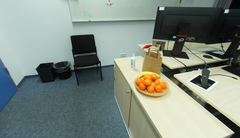
Columns: no edit, chair moved, chair and bins swapped. Rows: layout video, generated video.
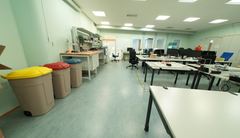
Columns: no edit, yellow and red lids swapped. Rows: layout video, generated video.
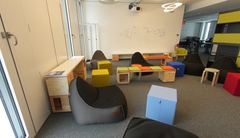
Columns: memory video, layout video, generated video.
Sparse input views
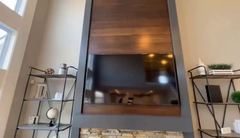
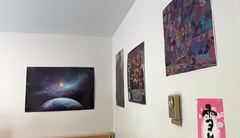
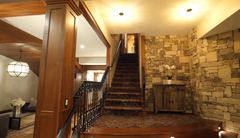
Lyris also supports multiple posed views as input. We generate each path from five views (outlined in orange as the camera reaches them).
- Camera path
- With 3D memory
Citation
@article{wang2026lyris,
  title={{Lyris}: Layout-Guided Long Video Generation with Persistent 3D Memory},
  author={Chen Wang and Jiahui Huang and Riccardo de Lutio and Alex Trevithick and
          Bryan Chu and Jiawei Ren and Laura Leal-Taixé and Shengyu Huang and
          Lingjie Liu and Haithem Turki},
  journal={arXiv preprint arXiv:2611.31239},
  year={2026},
}